
Find any file while you type
ZTHING reads the NTFS master file table directly, keeps its index current through the USN journal and searches millions of file names in milliseconds. Free and open source for Windows 10 and 11.
Features
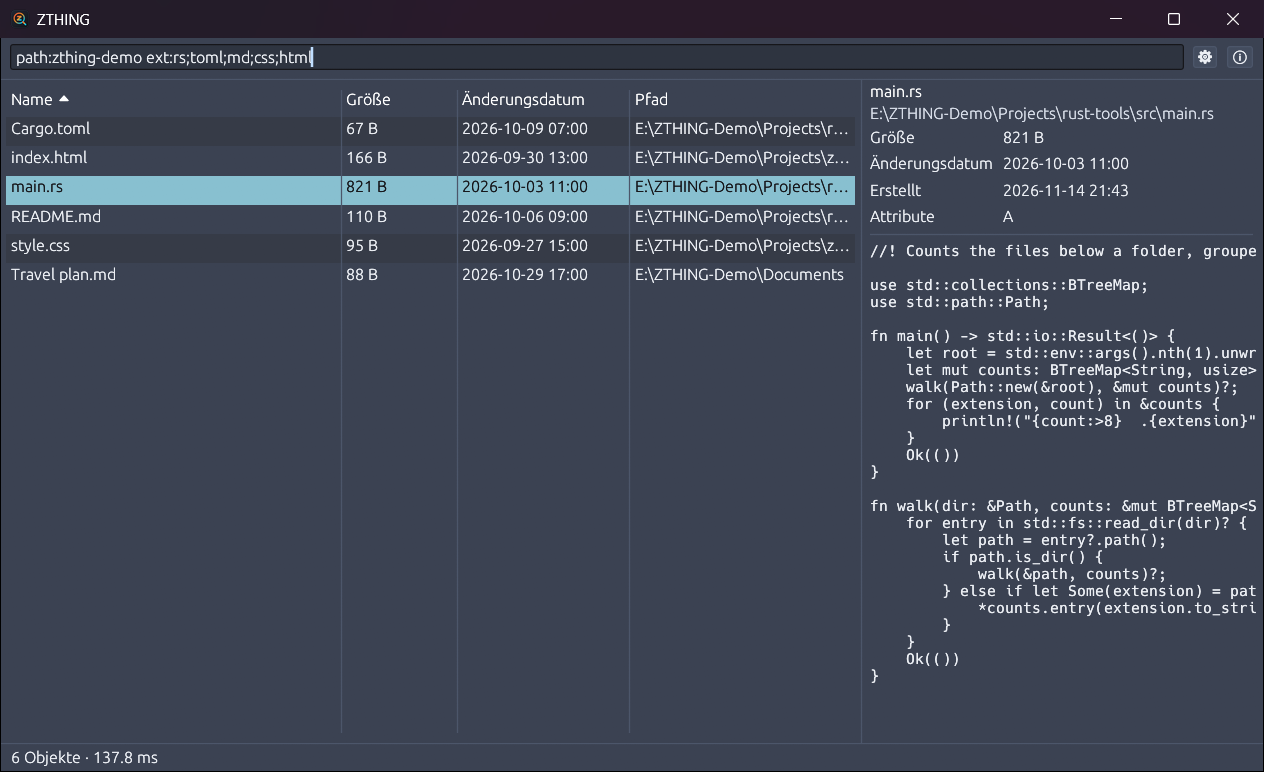
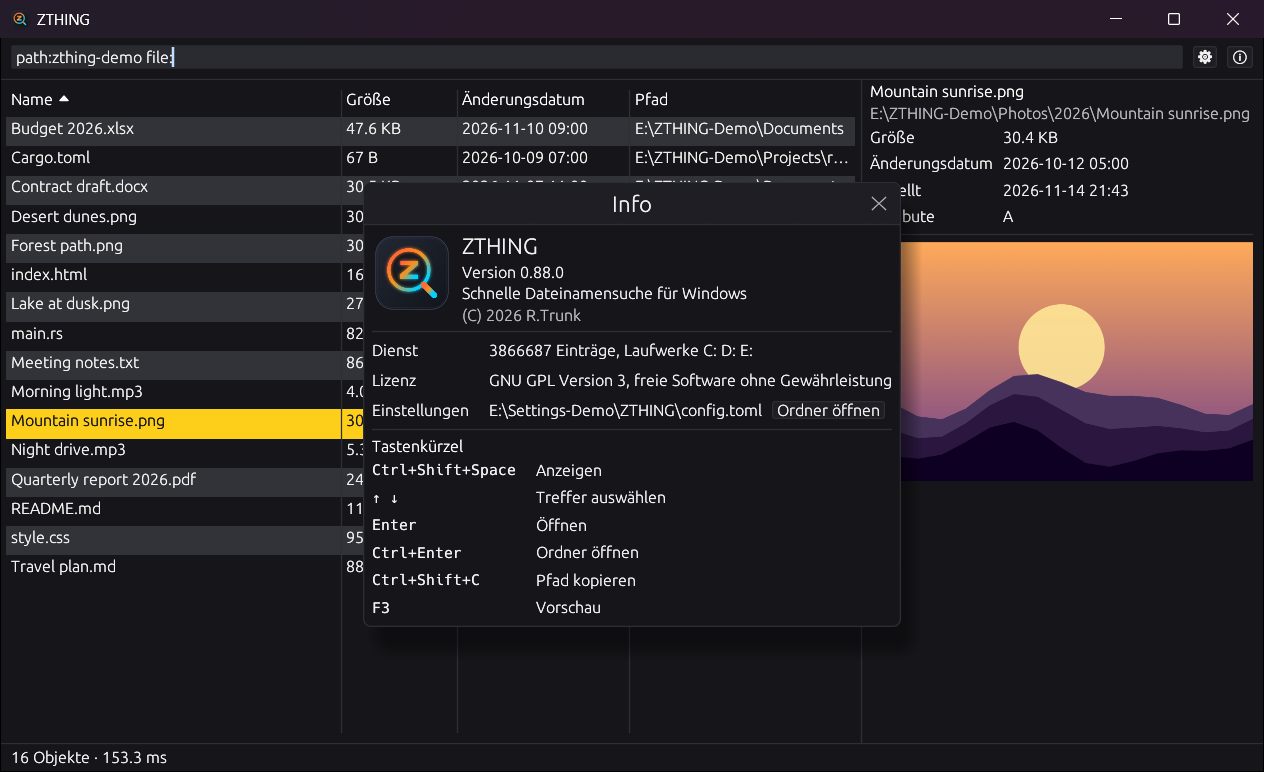
Results while typing
A search over 3.8 million entries takes 3 to 31 ms, so the list follows every key you press.
Always current
New, renamed and deleted files show up within about a second, read from the USN journal.
Preview
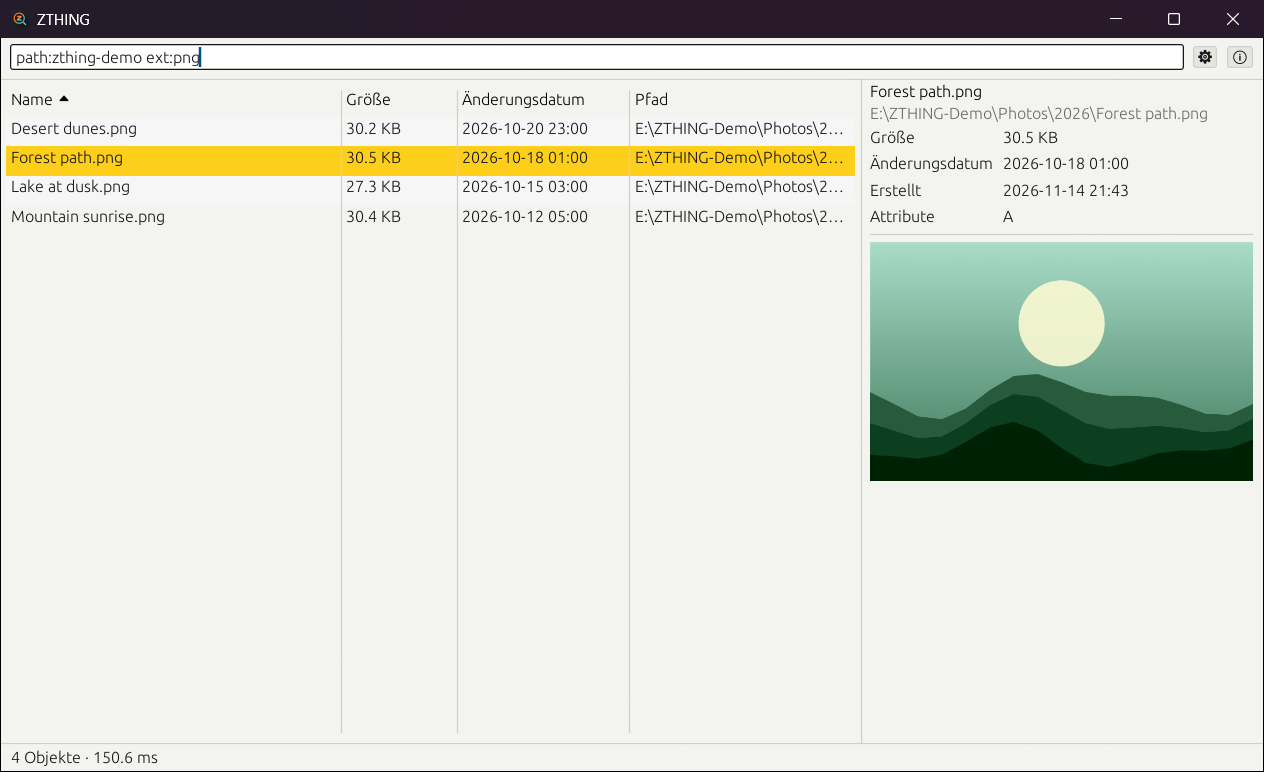
Text and code files, thumbnails of images, videos and documents. Cloud placeholders are never downloaded for a preview.
Private by design
One Windows service indexes all drives, and every user only sees hits in folders they may open.
Keyboard first
A global shortcut opens the window, Enter opens the file, Ctrl+Enter its folder, F3 the preview.
Made to fit in
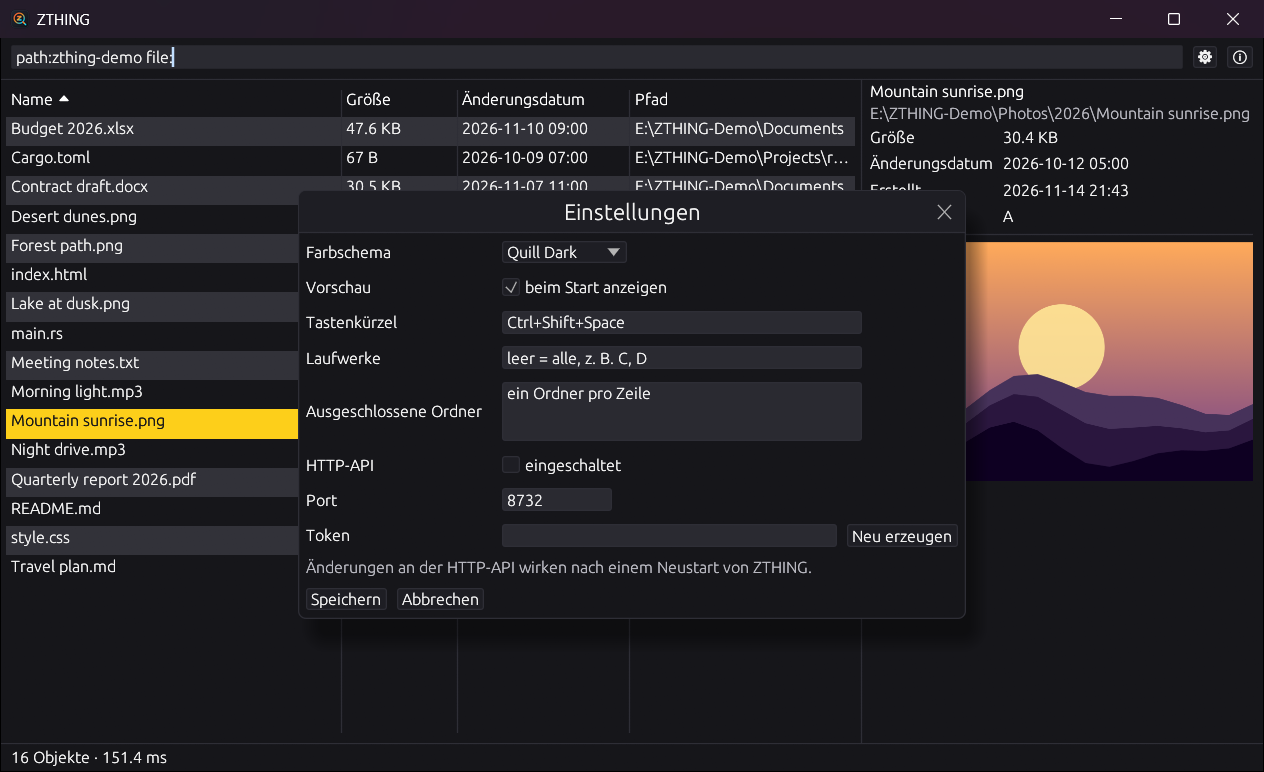
Ten colour themes, including Quill Dark and Quill Light, a tray icon and the URL protocol zthing:.
Screenshots
Search syntax
report 2026 | names containing both words |
jpg|png | either word |
!temp | names without the word |
*.iso, report??.pdf | wildcards |
regex:^IMG_\d+\.jpe?g$ | regular expressions |
ext:pdf;docx | file extensions |
path:windows\system32 | match against the full path |
file:, folder: | only files or only folders |
size:>10mb | file size |
dm:today, dm:2026-01-01..2026-03-31 | date modified |
case:Readme | case-sensitive |
For developers
Command line
zt "*.iso" prints paths, zt --json prints hits with size and date for scripts.
zthing.dll
A C interface with zthing.h for C, C++ and C# (P/Invoke), with UTF-8 and UTF-16 strings.
Python
A pure Python package that talks to the service directly, no DLL needed.
Named pipe and HTTP
JSON Lines on \\.\pipe\zthing, and an optional local HTTP API with a token.
import zthing

with zthing.Client() as zt:
    for hit in zt.search("*.iso", sort="size", descending=True, limit=5).hits:
        print(hit["size"], hit["path"])
All interfaces are described in docs/API.md.
Measured
zt including program startMeasured on the development machine with three NTFS drives.